34 saved overlay presets
Logo equations, POV captions, and Snapchat-style bars. Pick a starting point, then make it yours.
+ = 🔥pov: your new favorite app
Turn reaction clips and a demo recorded on your phone into reels ready to post.
Just tell Claude or Codex what you want. Reel Factory handles the edit.
Two fresh hooks. Your demo.
Let’s make something worth watching.

 Codex
Codex Claude Code
 OpenClaw
 Hermes
 Cursor
Standard Agent Skill · Local files + terminal required
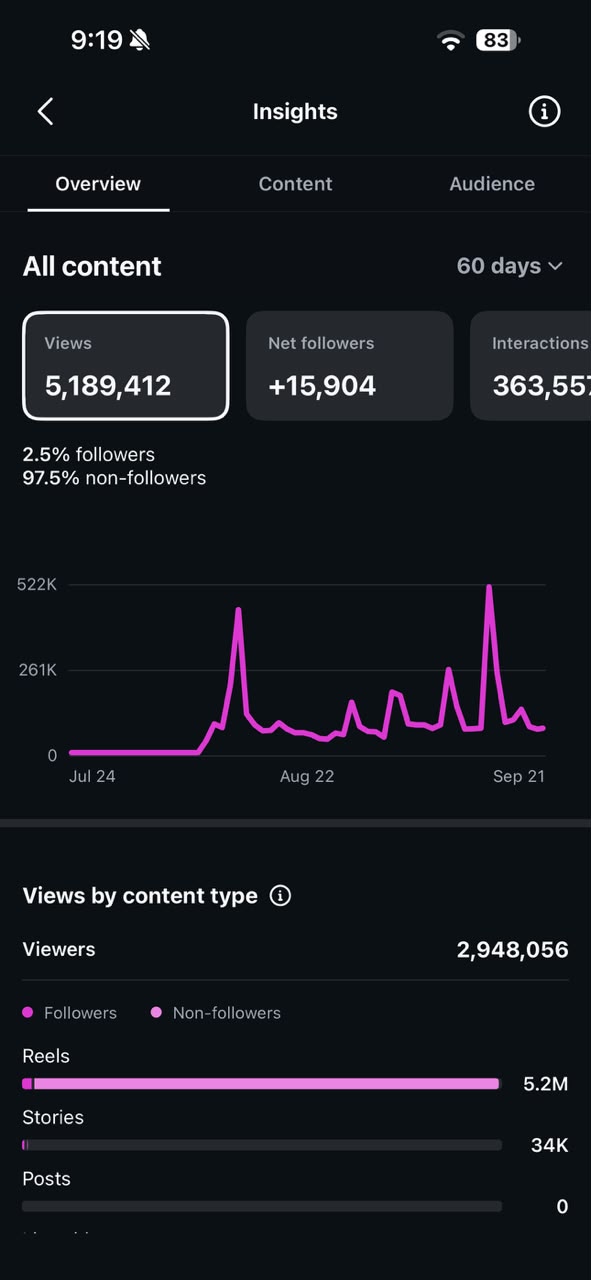
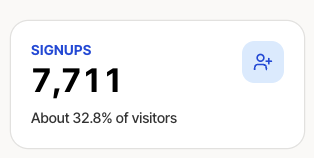
I used Umer UGC Reel Factory to turn product demos into a repeatable reel workflow. In less than 45 days, it helped me reach millions of viewers and bring 7,500+ users to my product.

My own results, not a promise of yours. Your product, content, and consistency all matter.
A reaction to stop the scroll. A demo to show the value. A clear next step for people who want more.
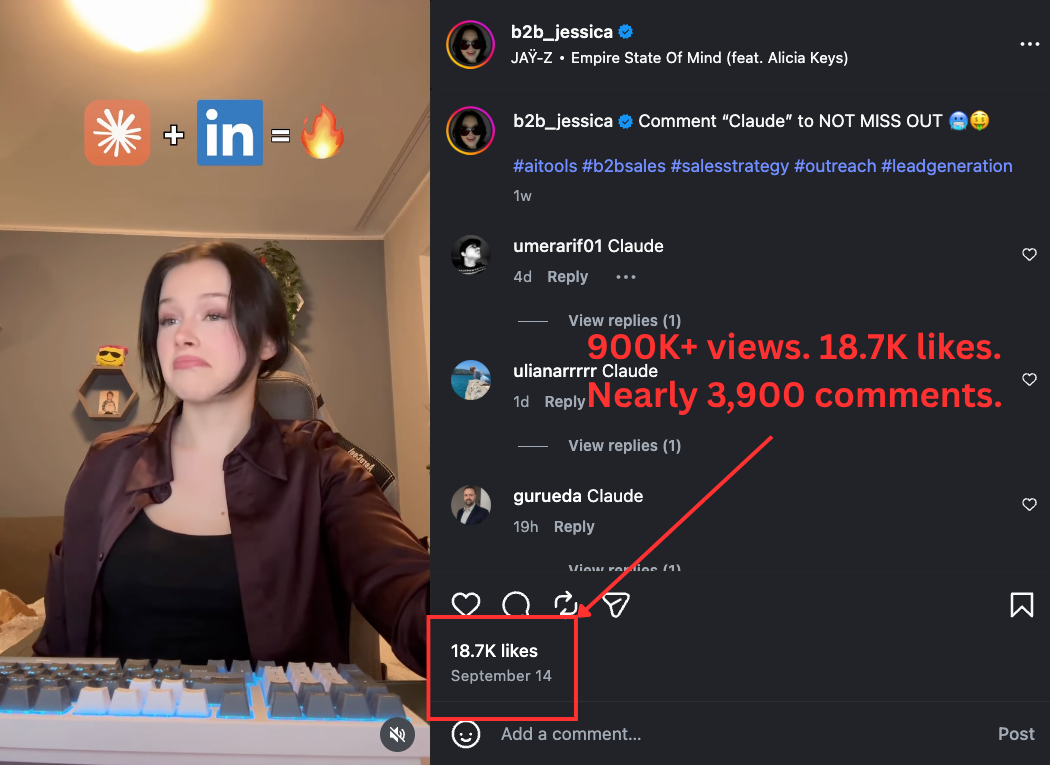
One reel made with the same Reel Factory workflow you get: a reaction clip, a product demo, and a clear call to action.
Reaction hook Product demo Clear CTA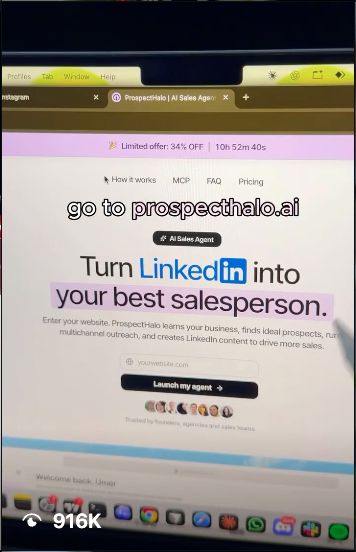
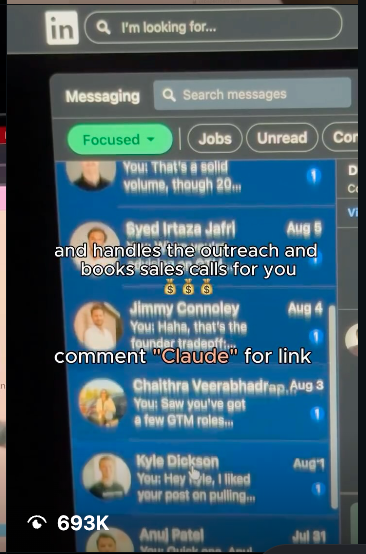
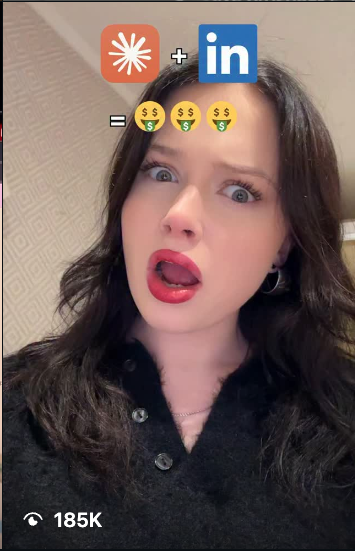
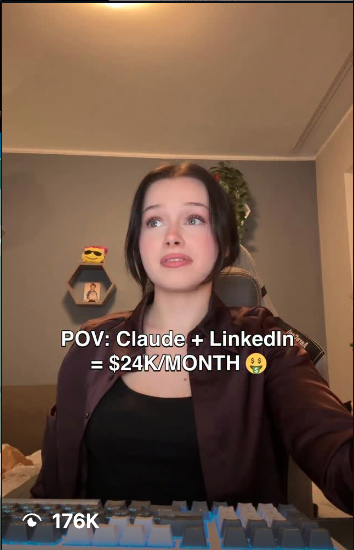
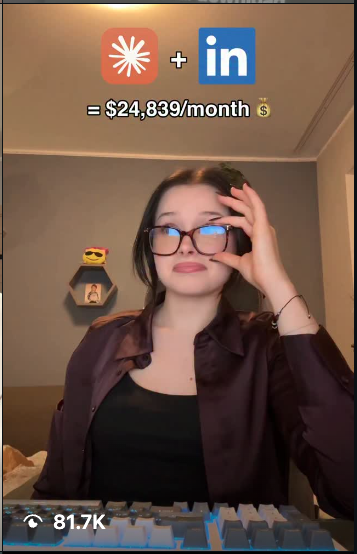
Screenshots and results from my account. Counts reflect the captured posts and my records. Overlay copy is creative and does not verify income or promise earnings.
The presets, preview steps, and posting safeguards, packaged as an Agent Skill your local agent can follow.
npm run skill:install -- --agent codexAfter purchasing, run this inside your cloned Reel Factory folder. Then reload your agent and ask it to use reel-factory.
No studio. No complicated timeline. Start with a good reaction
and a screen recording you can make in a few minutes.
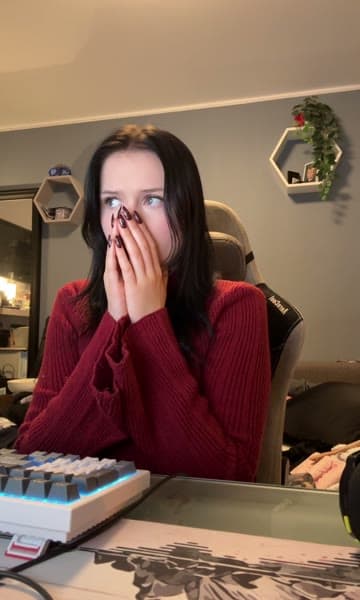
 surprised
 shocked
I get my b-roll from DanSUGC . Pick up the clips that fit your product, or use footage you already have permission to use.
Browse DanSUGC b-rollOpen your app. Hit screen record. Show one useful feature. Transfer it to your computer. That’s your product demo. No fancy camera needed.
See what you need“Pair this hook with my demo.
Use the fire overlay.
Show me the cover first.”
Choose a preset, check your covers, and fine-tune in plain English. Approve the render, then download your reel or schedule with Buffer.
Try a promptB-roll is purchased separately and is not included with Reel Factory.
The presets, timing, spacing, and approval steps,
so you can focus on what your product actually does.
Logo equations, POV captions, and Snapchat-style bars. Pick a starting point, then make it yours.
Change a hook’s start time. Nudge an emoji. Add line spacing. Keep the rest exactly how you approved it.
00:03.0↓ 5 pxSee the frame before the render. Watch the render before the post. Nothing goes out without your approval.
Random selection checks your local posting history, so yesterday’s reaction doesn’t become today’s repeat.
Download the MP4 or use your own Buffer account. Keep captions, timing, and music reminders together.
A local toolkit, not another hosted editor. Get the source, setup guide, and agent instructions in one place.
No hunting through an editing timeline.
Your next revision is a sentence away.
“Create two reels using my product demo. Pick different reaction hooks, use the fire overlay, and show me the covers first.”
A computer, your clips, and an AI coding agent.
We’ll walk you through the rest.
Download the code and open it in your AI coding agent. Follow the included setup guide.
Put purchased reaction clips in the hooks folder and your phone recordings in the demo folder.
Ask it to read the guide, choose a preset, and create your first covers. Connect Buffer only if you want scheduling.
You’re buying the system behind the reels:
the code, the presets, and the way it all fits together.
“I built this for my own product demos.
Now you can use the same workflow.”Umer · Creator of Umer UGC
Your AI-operated reel production toolkit.
Yes. The toolkit includes a standard SKILL.md package and a local installer for Codex, Claude Code, Cursor, OpenClaw, and Hermes. First get access to the private repository, clone it, and run the install command for your agent. You still need Node.js, FFmpeg, and your own footage. Other agents can use the instructions if they support local files and terminal tools; native discovery varies.
Reel Factory is a downloadable code toolkit, not a hosted video editor. You get the source code, 34 saved overlay presets, setup documentation, and instructions for operating the workflow with an AI coding agent.
You should be comfortable installing tools and following a setup guide. Claude Code or Codex can help you run the project and make changes, but this is a toolkit built for developers, not a one-click app.
I buy my b-roll from DanSUGC. You can buy clips there too, or bring footage you have permission to use. Clips are purchased separately and are not included with Reel Factory. Always check the license for your intended use.
Yes. Use your phone’s screen recorder to capture the app, feature, or product flow you want to show. Transfer the recording to your computer, choose the right demo file, and let your agent pair it with a reaction hook.
The $49 purchase covers the toolkit. Your AI coding agent or API, purchased footage, and optional Buffer and public storage services have their own costs. You can render locally and download the finished MP4 without connecting Buffer.
You can download and post reels yourself, or connect your own Buffer account. The included scheduling workflow requires your approval and uses Instagram notifications: you finish posting in the Instagram app and add platform music there.
macOS is recommended for the existing HDR footage workflow and Apple emoji generation. SDR rendering can run on Linux with FFmpeg. Windows support has not been verified; follow the setup documentation before purchasing for a workflow that only uses Windows.
No. Umer UGC is an independent toolkit and is not affiliated with Anthropic or OpenAI. Claude Code and Codex are separate tools. Their names and marks belong to their respective owners.
Bring the clips. Record the demo. Let’s make some reels.
One-time purchase. A workflow you can keep.